

POS System
COOPXL POS & Inventory Management System is an all-in-one web-based solution designed to simplify retail and wholesale operations. It enables you to efficiently manage sales, purchases, stock adjustments, and financial reports — all from a single responsive dashboard.
The system supports multi-language, multi-warehouse, and multi-user environments, providing complete visibility and control over your business.
Built with modern technology and an intuitive UI, COOPXL POS is ideal for small shops, medium enterprises, and distributors who want real-time stock tracking, automated invoicing, and transparent financial management.
 Chat with us on WhatsApp
Features
1. Point of Sale (POS)
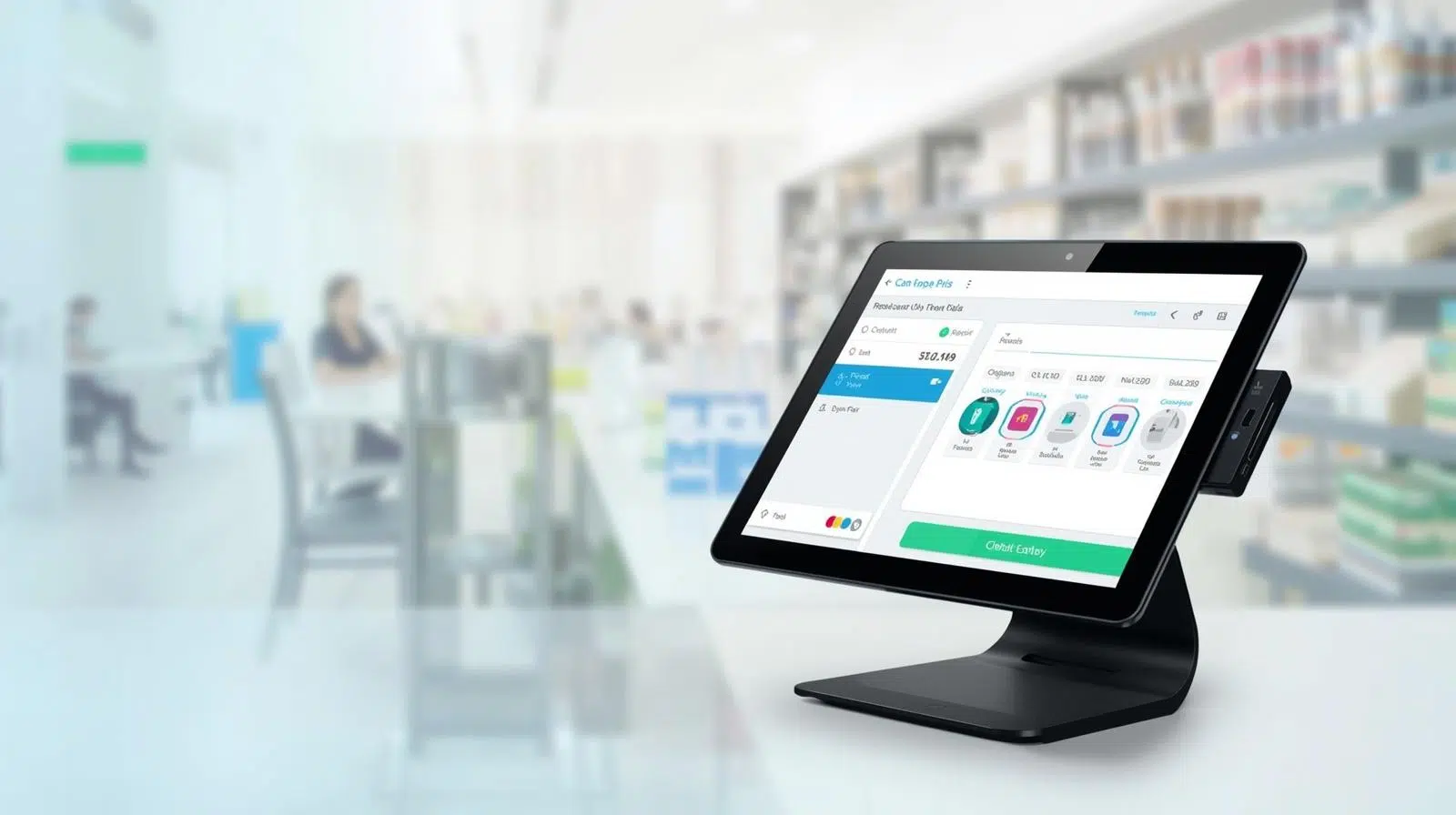
- User-friendly interface optimized for fast transactions.

- Product scanning and smart search by code or name.
- Automatic price, tax, and discount calculation.
- Support for walk-in or registered customers.
- Real-time stock deduction after each sale.
- Payment confirmation, invoice generation (PDF/Email), and print options.
- Dark Mode and RTL (Right-to-Left) language support for Arabic users.

2. Product Management
- Centralized product catalog with image, code, brand, and category.
- Manage product units, pricing, stock quantity, and warehouse assignments.
- Import/export products in Excel or PDF format.
- Barcode generation and printing for shelf labeling.
- Quick filters for categories, brands, and low-stock alerts.

3. Sales Management
- Create, edit, and track sales orders.
- View detailed invoices with customer info, company info, and payment status.
- Manage completed, pending, or returned sales.
- Export sales data to PDF or Excel for accounting purposes.
- Integrated payment records and due balance tracking.
4. Purchase Management
- Create and manage supplier purchase orders.
- Add multiple products to a single purchase entry.
- Automatically update stock levels upon purchase completion.
- Manage purchase discounts, tax, and shipping costs.
- Generate purchase summaries and supplier-based analytics.


5. Inventory & Adjustment
- Monitor stock levels across all warehouses.
- Adjust quantities manually for damaged or lost products.
- Track movement between warehouses (transfer feature).
- Set up product quantity alerts for restocking.
6. People Management
- Manage customers, suppliers, and system users in one place.
- Assign roles and permissions using Group Permission Control.
- Store contact information, addresses, and transaction history.


7. Reports & Analytics
- Profit & Loss reports by date range.
- Warehouse, customer, supplier, and product-specific reports.
- Export reports in PDF or Excel.
- Visual performance overview for sales and inventory activities.
8. System Settings
- Configure warehouse, currency, brand, category, and units.
- Manage user groups, permissions, and access control.
- Multi-language interface (English, Arabic, French, German, etc.).
- RTL and Dark Mode options for accessibility.
- Automated system backup for data protection.